Private Rooms for Playing with Friends Are Here
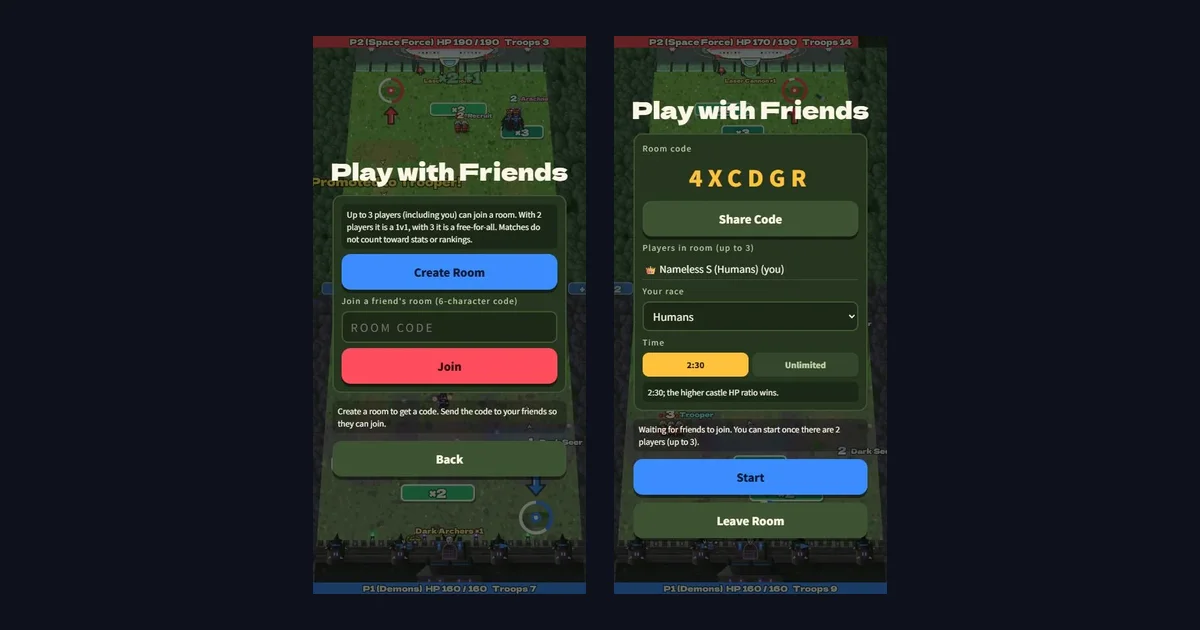
On October 20, 2026, we added private rooms to MonSenct. Until now, online play only matched you automatically with players of similar strength. With private rooms, you and people you know can join the same match.
What is a private room?
When you create a room, you get a 6-character room code made of capital letters and numbers. Easily confused characters (0, O, 1, I and L) are not used. Send it to your friends, and when they enter it, they join your room. Players who don’t know the code can’t get in, so you can play with just your friends.
- Up to 3 players, including you, can join a room
- With 2 players it is a 1v1, with 3 it is a free-for-all
- Matches in private rooms do not count toward stats or rankings, so you can play as many times as you like without worrying about wins and losses
How to create and join a room
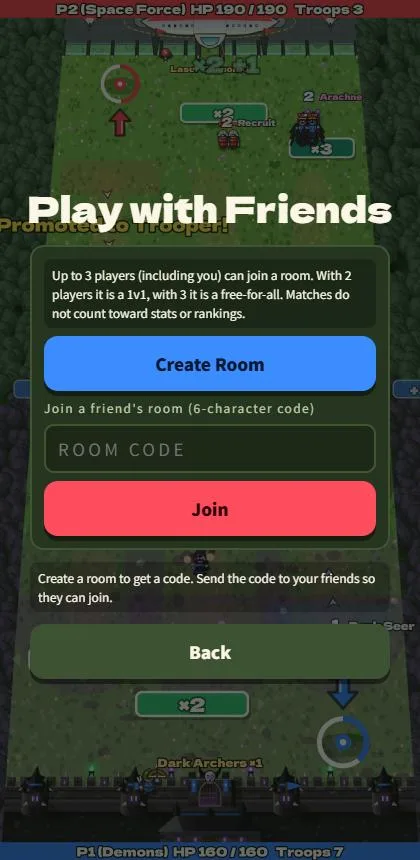
- Press “Start” on the title screen, choose your race, then press “Online Match (Room Code)” on the Choose a Match screen
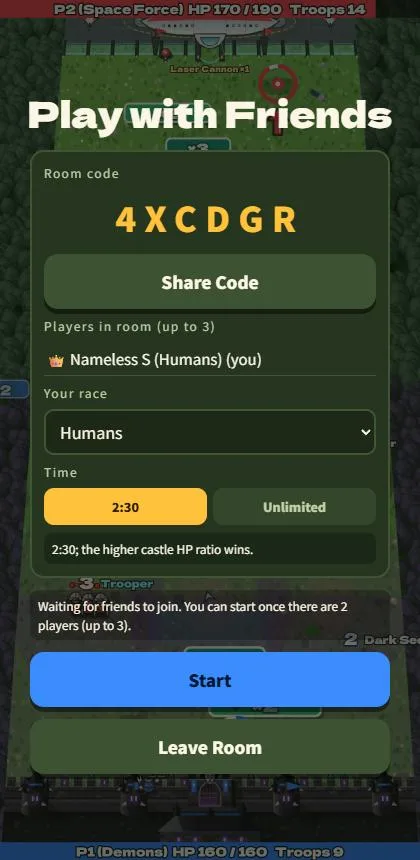
- To make a room, press “Create Room”. The room code appears on screen
- Press “Share Code” to copy the room code together with a link to the game. Send it to your friends by chat or social media
- Your friends open the same screen, enter the 6-character code and press “Join”
- Once there are 2 or more players, the player who made the room presses “Start” to begin
Inside the room, you can change your race before the match starts. After a match, you return to the room and can play the next match right away.
What the room host can do
The player who creates the room becomes the room host, shown with a 👑 next to their name. The host can:
- Start the match: Once 2 or more players are in, the host presses “Start”. Everyone else waits for the host
- Remove players: The host can remove a player from the room. Removed players cannot rejoin that room
- Choose the match length: In the October 23 update, we let the host choose the match length
- 2:30: When time runs out, the side with the higher castle HP ratio wins
- Unlimited: The match goes on until a castle falls. A famine begins when there are too many troops (1,000 across both armies) or after 8 minutes: the bigger an army, the more its troops and castle HP drain, and the fewer troops are born. If there is still no winner, the match ends after 30 minutes
Troubleshooting
- If you see “No room has that code”, check the 6 characters of the code
- If you see “That room is full”, 3 players are already in
- You can’t join a room while a match is in progress. Join after the match ends
- You can’t join if your game version differs from the room creator’s. Both of you should reload the page and create the room again
Private rooms are available now in MonSenct. Invite your friends and try a three-way siege battle.