October 25 Update: Left/Right Buttons and Race Balance
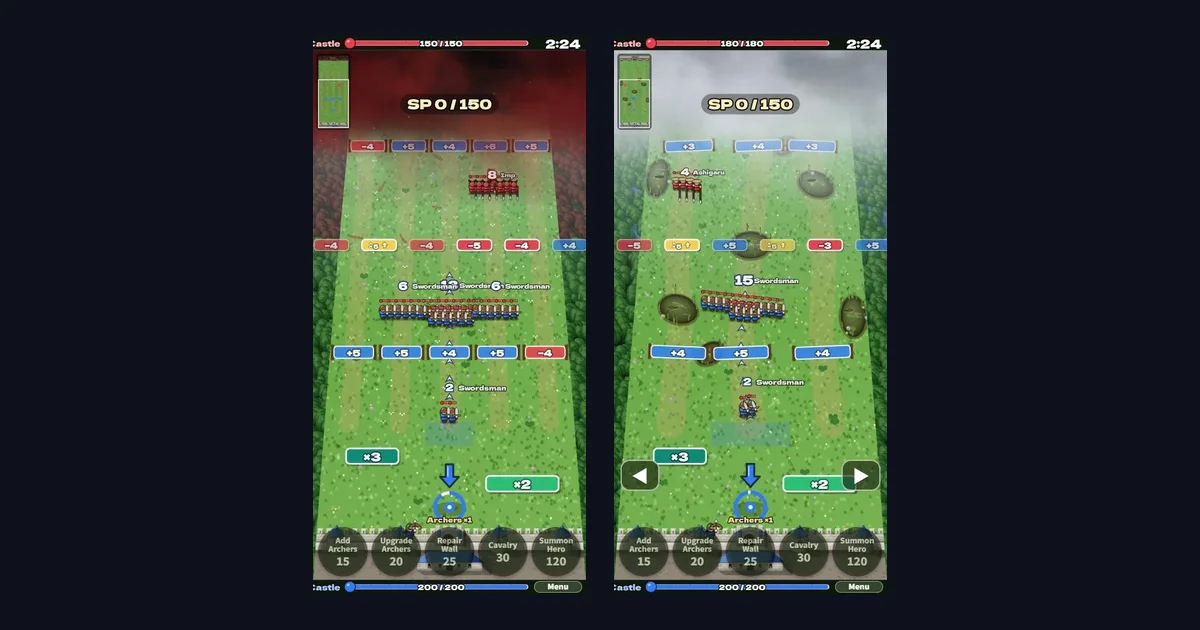
On October 25, 2026, we updated MonSenct. Everything we built in our test environment on October 24 and 25 went live together. This post goes through each change, one at a time.
Move the drop point with Left/Right buttons (◀ ▶)
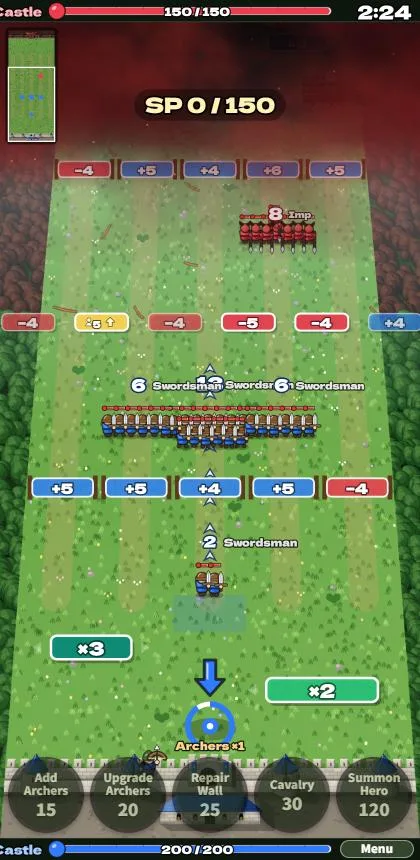
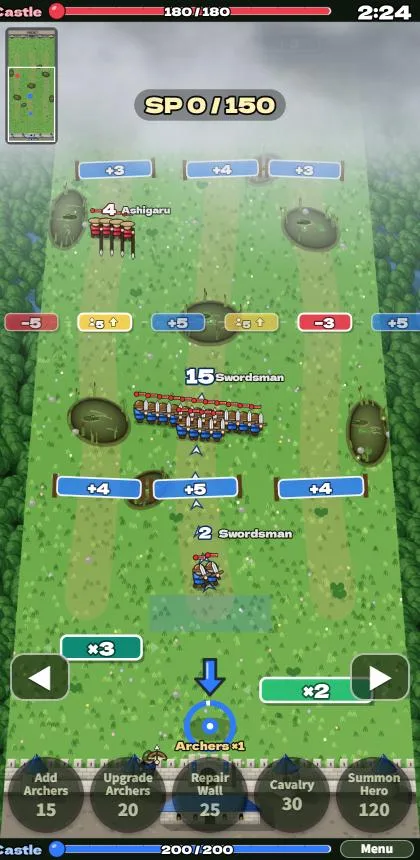
In this game, you move the drop point at the bottom of the screen left and right to send your soldiers through ×2 and ×3 gates. Until now you could only move it by dragging on the screen. Now you can also move it with buttons.
- Turn on “Left/Right Buttons” in Settings, and ◀ and ▶ appear on either side above the upgrade buttons during matches
- The drop point keeps moving while you hold a button
- Choose how fast it moves with “Button Speed” in Settings: Slow, Normal, Fast or Very Fast
- Dragging on the screen still works while the buttons are shown. You can even start a drag on top of a button
- The buttons are off by default. The tutorial also tells you that you can turn them on in Settings
- In 2-player matches face to face on one device, buttons appear on both sides if the device supports multi-touch
Balance changes for the Devils, Space Force and Aliens
We adjusted the strength of three races.
- Devils: Their reinforcement gauge no longer fills when their own soldiers fall. Instead, it fills faster when they defeat enemies, based on how strong the defeated enemies were. The race description now calls them “a race that gathers the souls of its enemies”
- Space Force: We adjusted the range and bombing of their fighters, and also reviewed their range in 3-player matches
- Aliens: We adjusted the Mother and the Mutants, and slightly reduced how many soldiers are produced
We also rewrote the race descriptions to match. You can check the exact numbers in the game’s Character Guide.
Lighter, smoother play
We changed how soldiers are drawn so that the game stays smooth even with lots of soldiers on screen.
- How soldiers are drawn: Soldiers of every race are now shown with pre-drawn images (sprites). We also evened out the animation speed for each race, and fixed a bug where slow devices failed to create soldier images
- Skipping hidden squads: Squads that are off screen are no longer drawn, which saves processing
SP gauge number in the fog
The SP gauge number at the top of the screen (for example “SP 0 / 150”) is now visible even on maps covered in fog. You can see it above the fog in the images above.
All Races Pack in the Android version (test build)
In the Android version, we added the “All Races Pack”, which unlocks all 10 paid races at once. The Android version is currently a test build available only to testers. In the browser version, you can keep playing with the free races as before.
All of these changes are live now in MonSenct. Try the Left/Right buttons from Settings.