
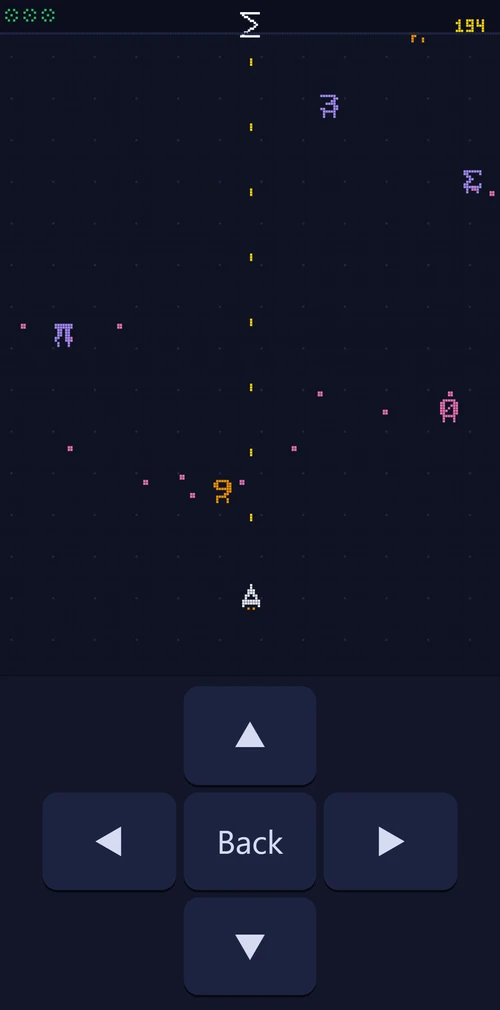
Vertical Shoot
A shooter where you blast enemies shaped like numbers and symbols (∑, π and more). Your ship fires automatically, and you move it with the arrow keys.
Scientific, graphing and statistics in one
Textbook-style math, crisp graphs and a retro digital LCD-style display. It also reads expressions you write with your finger and finds equations for lines you draw. The core features are free.
You can try the free features in the browser version.
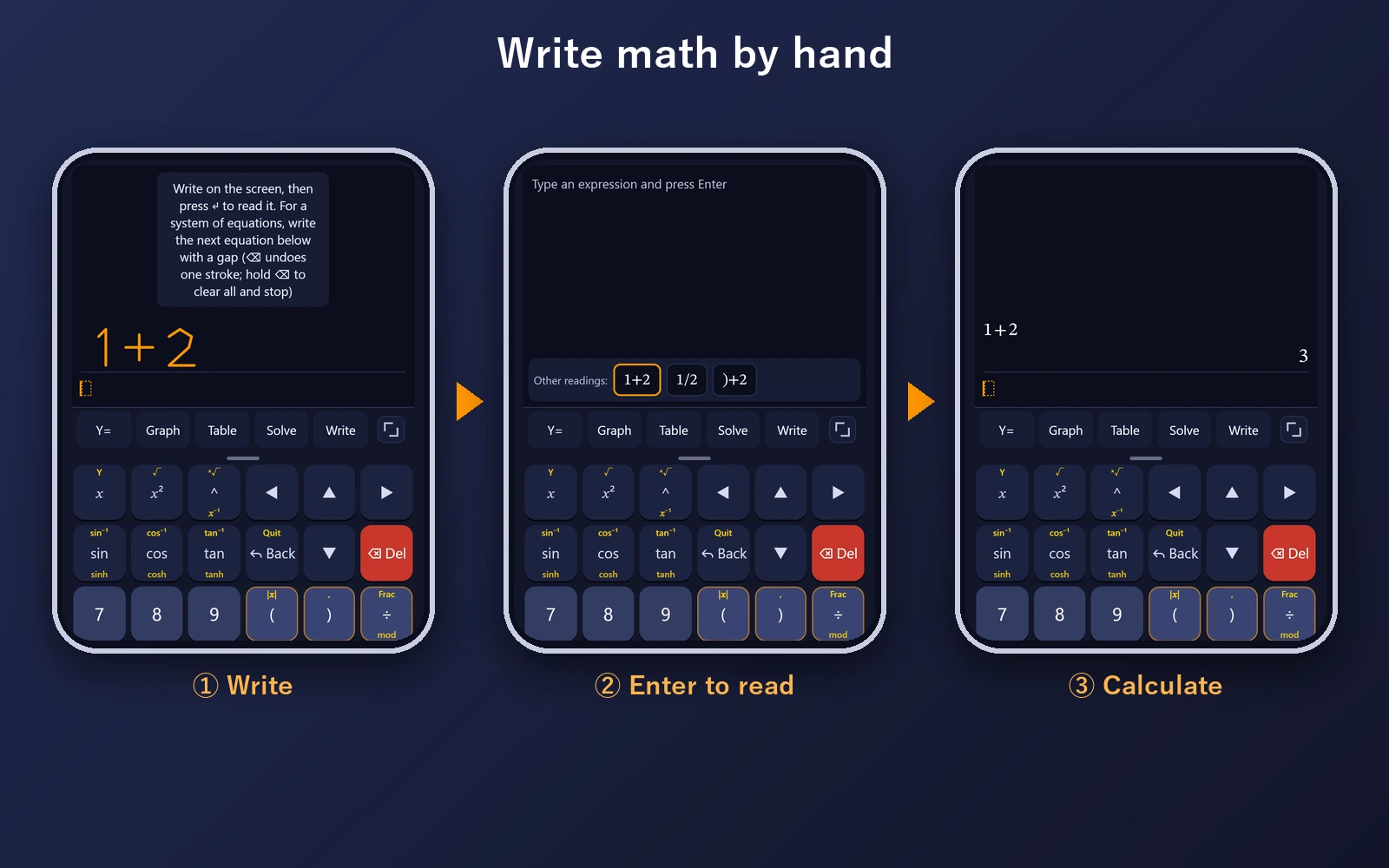
Write an expression on the display with your finger and press ↵ Enter, and it is read into the entry line. It reads √, π, powers (small characters at the upper right) and functions such as sin. Write 2 lines and they go to the equation screen as simultaneous equations. Reading happens only on your device.
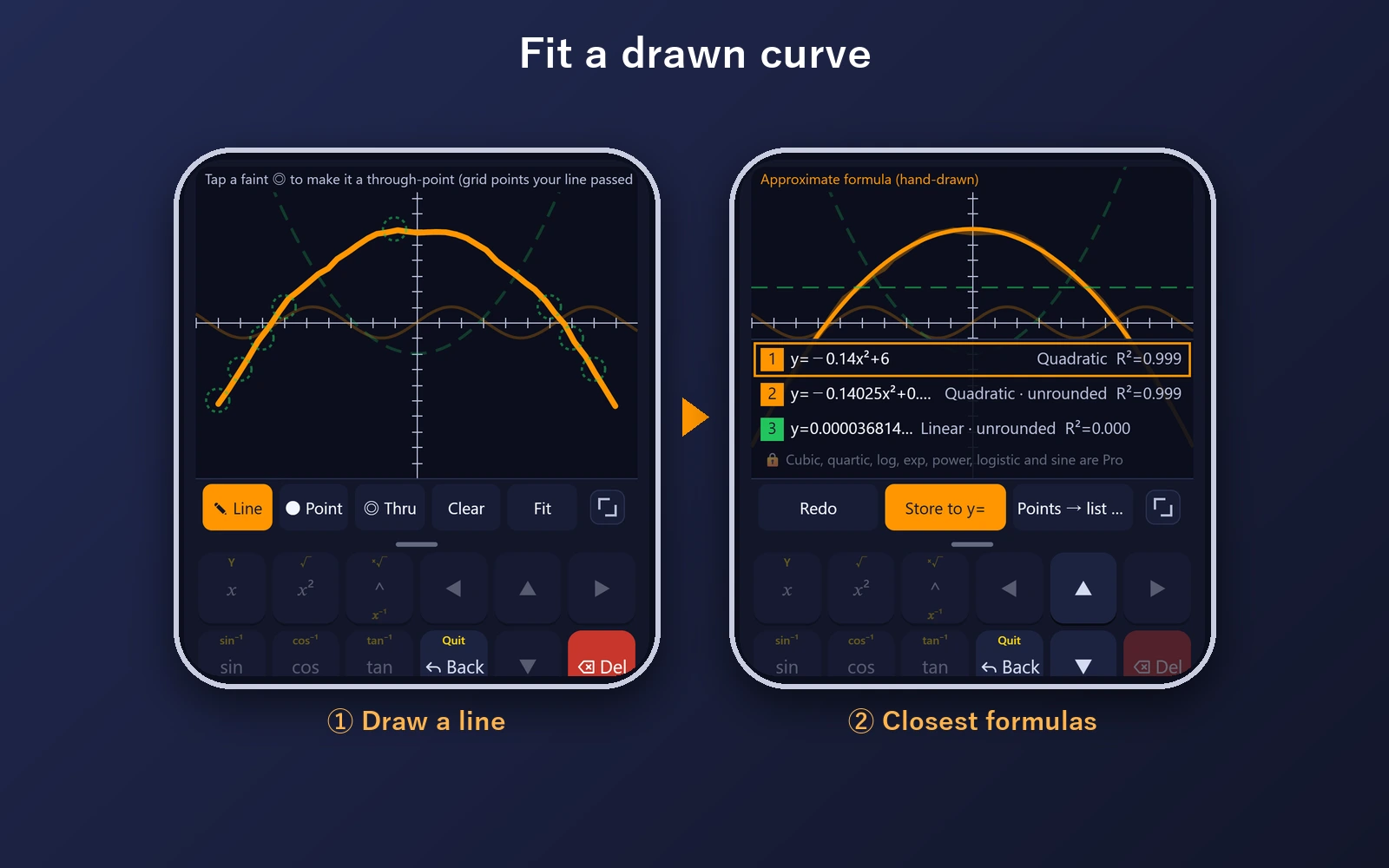
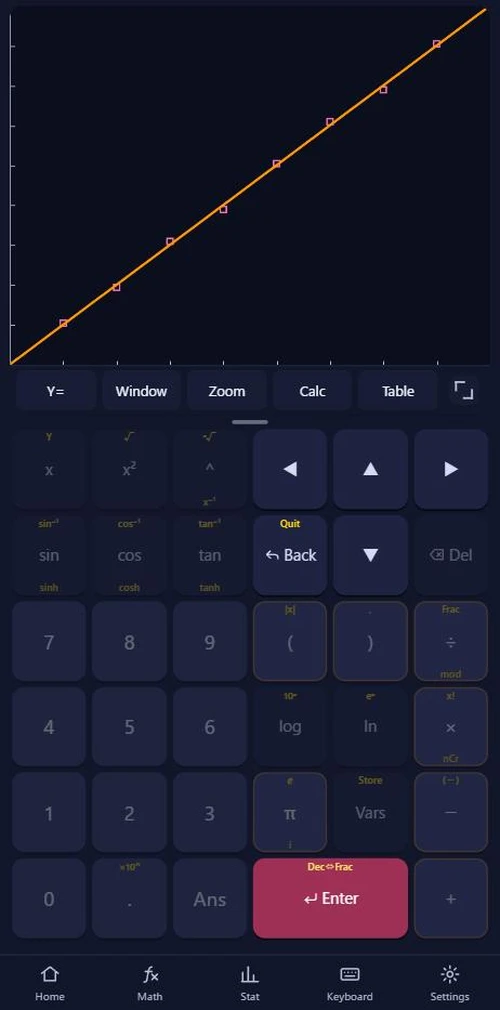
Draw a line or tap points on a graph, and the app suggests equations that come close (an estimate, since it is hand-drawn). You can fix points the curve must pass through, and hand shake is smoothed out. The free version finds linear and quadratic equations; Pro also finds exponential, logarithmic, sine and other forms.
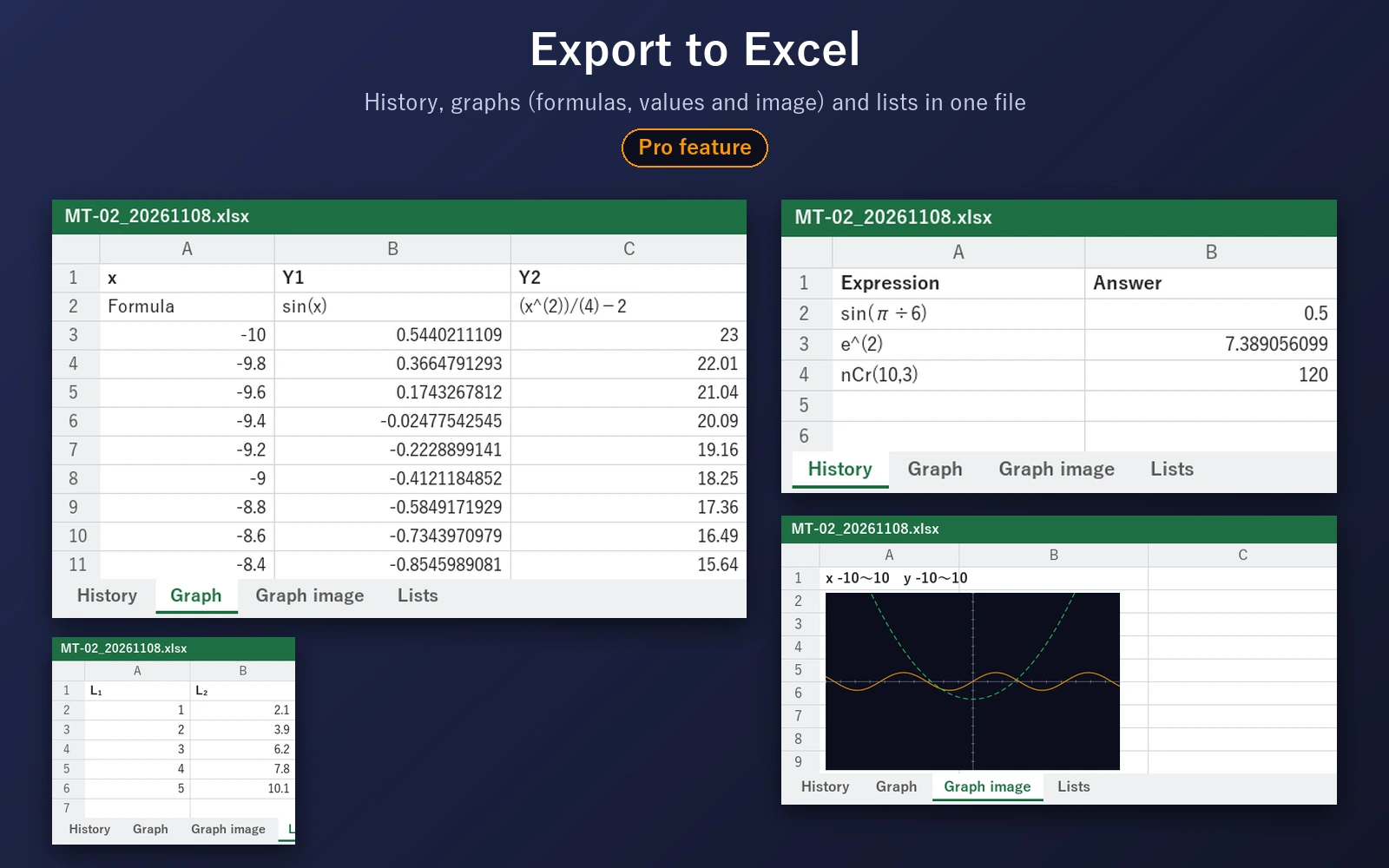
Export your calculation history, graphs (equations, a table of values and the graph image) and statistics lists together in one Excel file. A Pro feature of the app.
Hidden inside the calculator are a shooter with enemies shaped like numbers and symbols, and a game where you dodge bullets lined up in the shape of function graphs. How to find them is in the Hidden mini-games section of this page (spoiler).
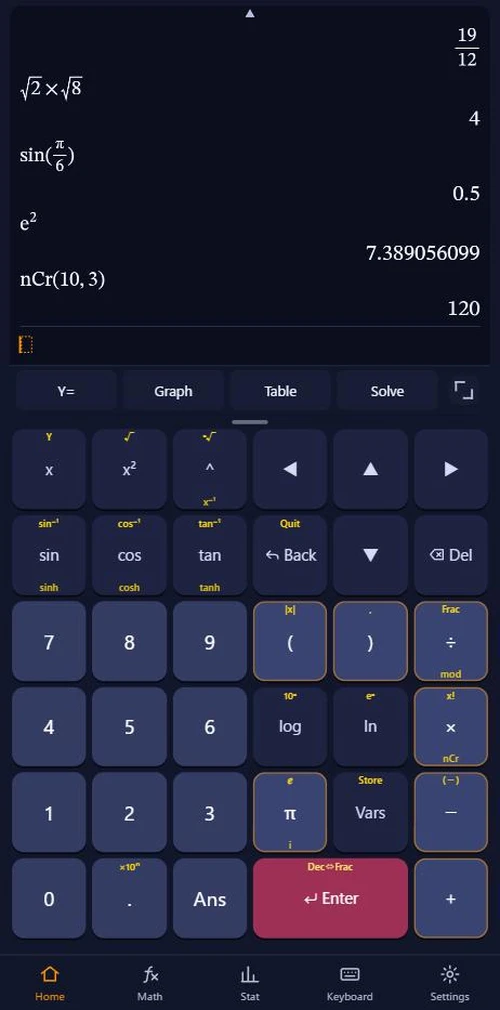
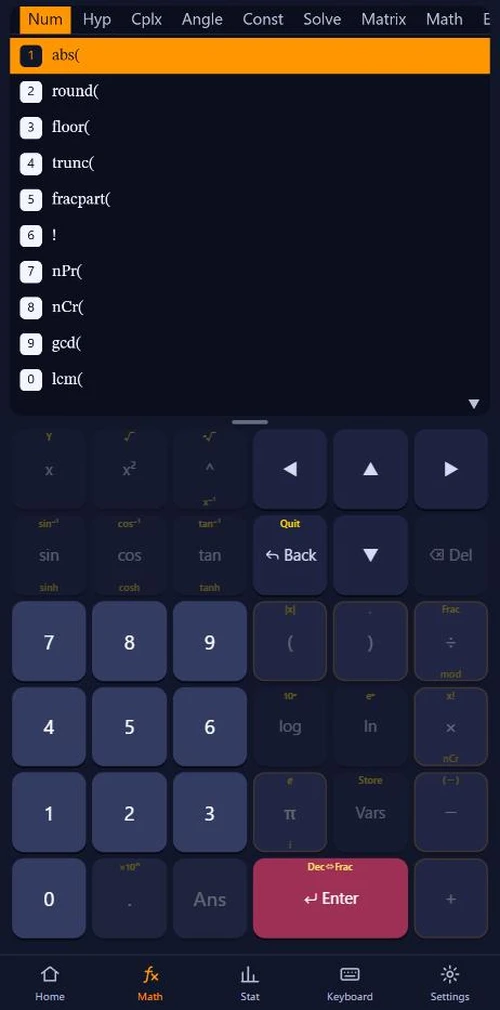
See the mini-games →1Type an expression and press Enter. Open menus with the Math or Stat button and pick by number.
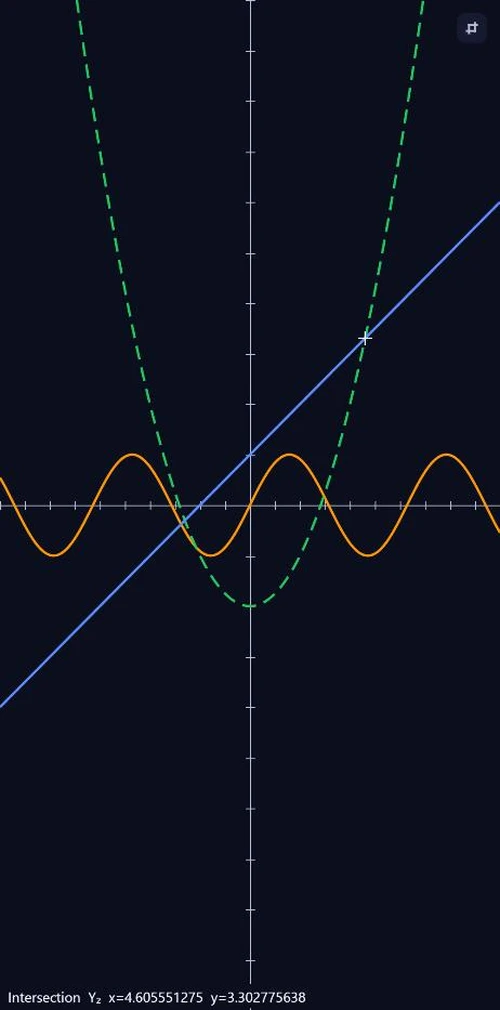
2Enter equations in Y= and press Graph ▶. Pinch to zoom, and trace with your finger to snap to intersections, maxima and minima.
3The full-screen button expands the display to the whole screen: wide when viewing, keypad when typing.
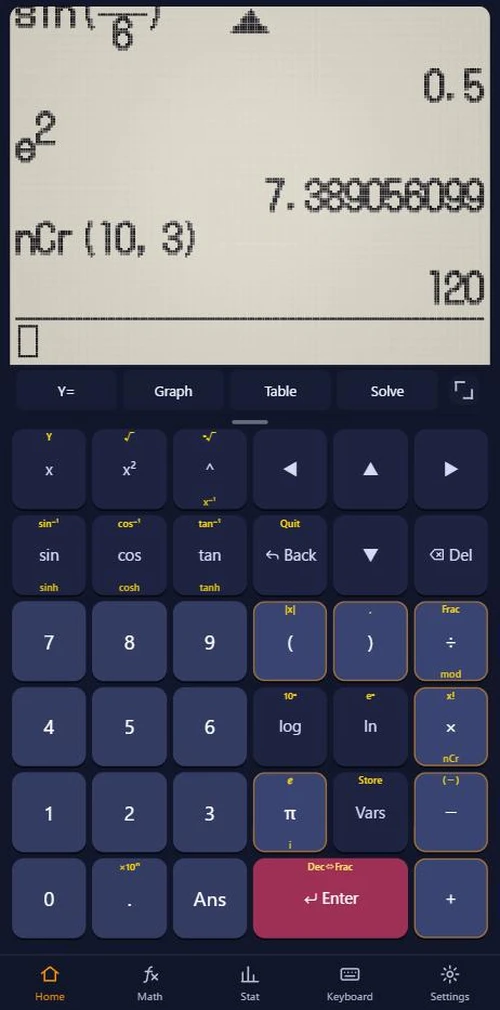
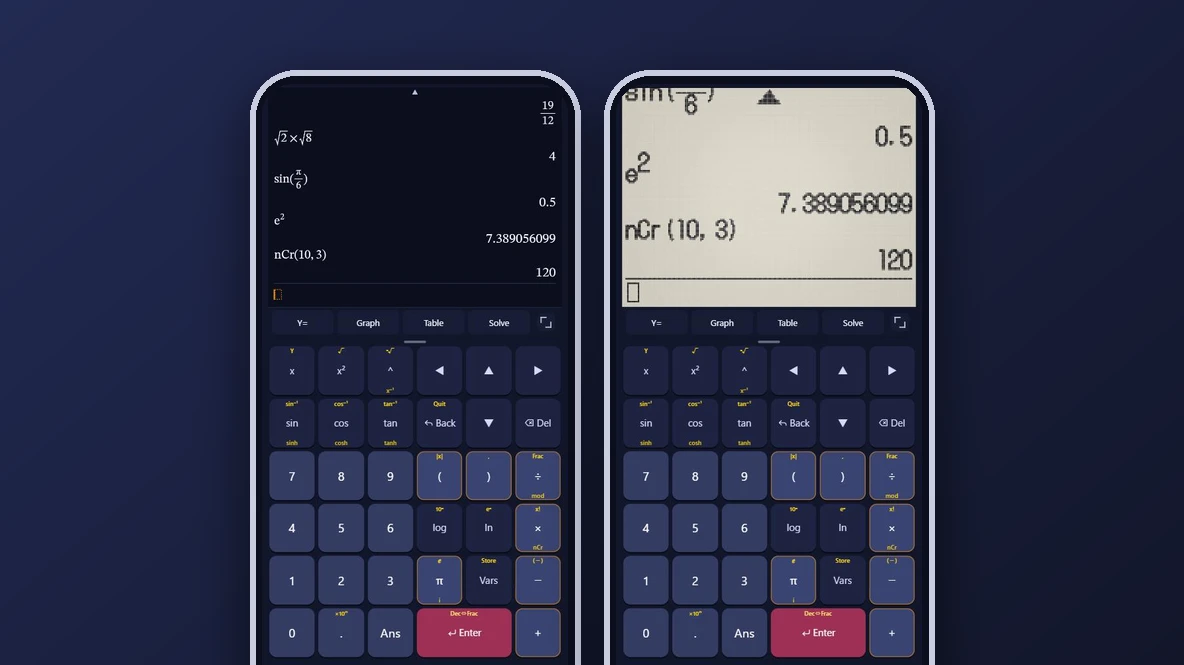
There are 2 display styles, 5 colors for the digital display and 5 key colors. Keys can be flat or raised. Change them all in Settings › Look.
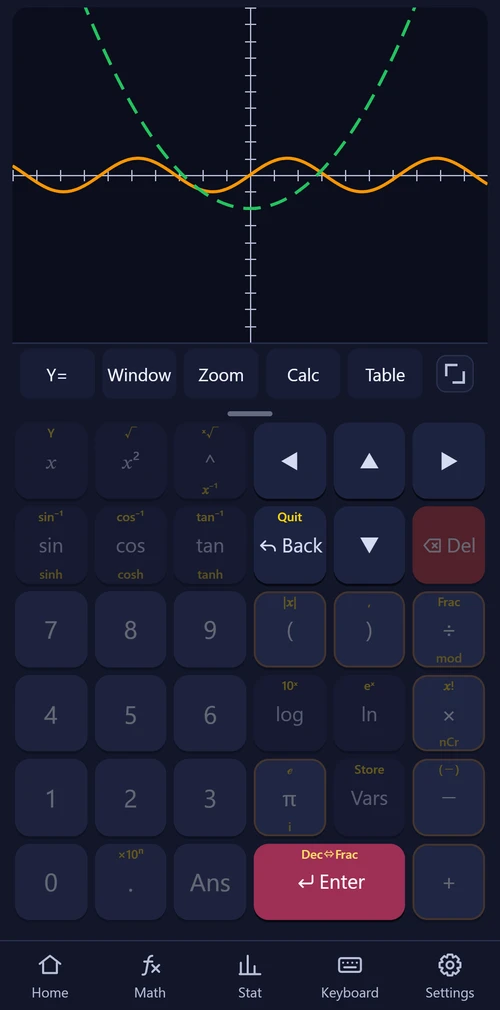
A crisp display. The screen colors follow the key color.
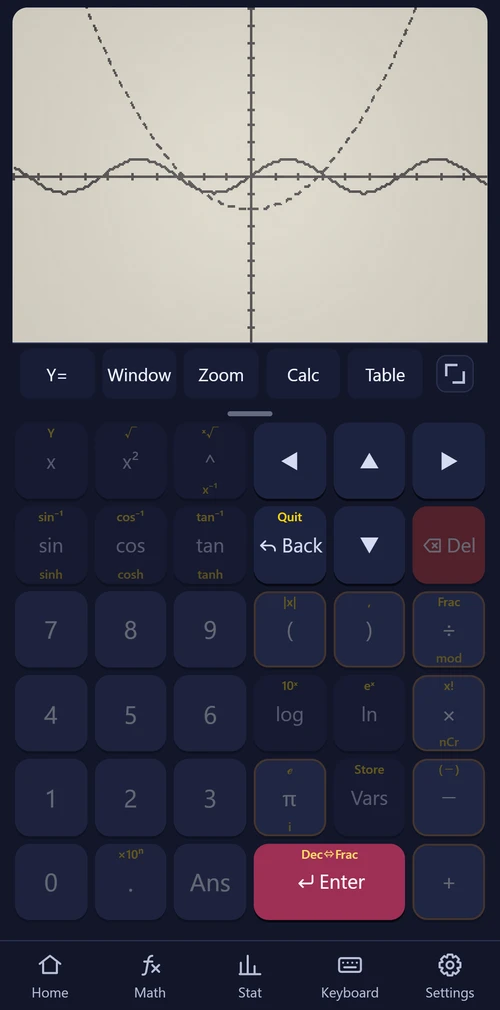
A display that draws every LCD pixel. On phones, each pixel is drawn with 2×2 fine dots.
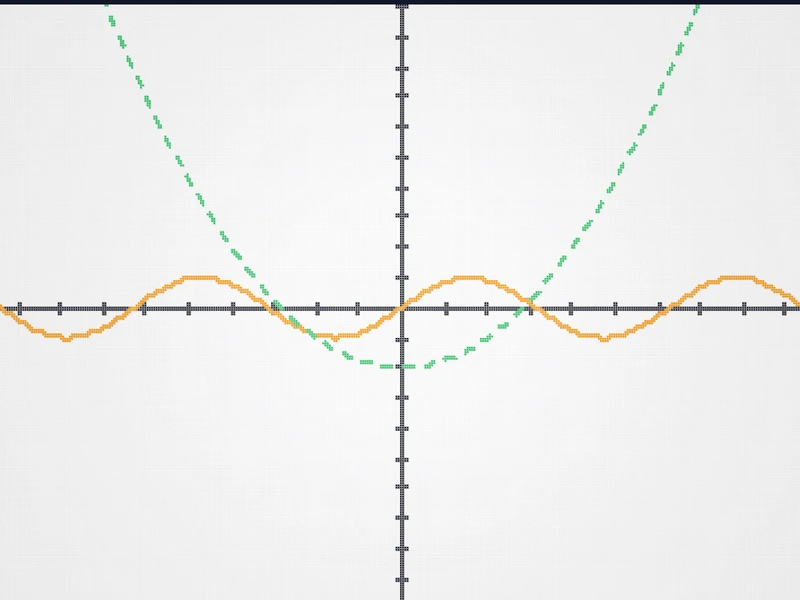
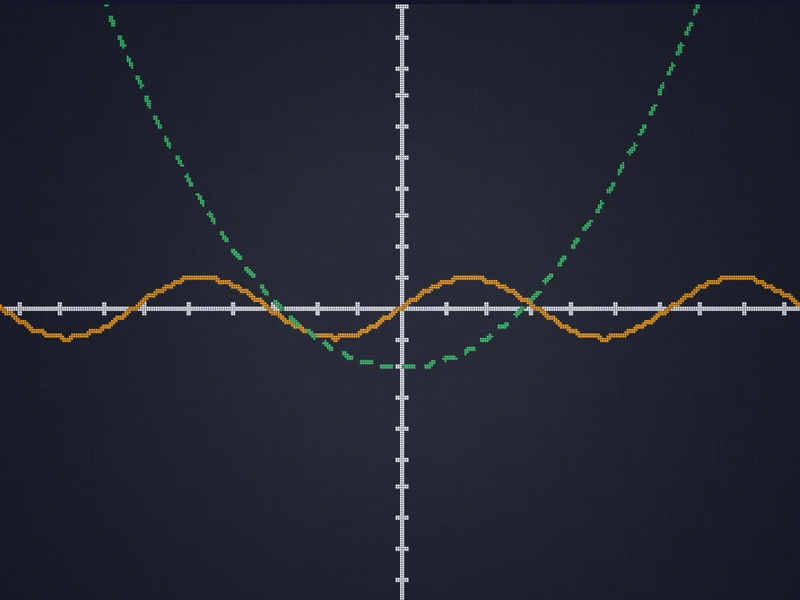
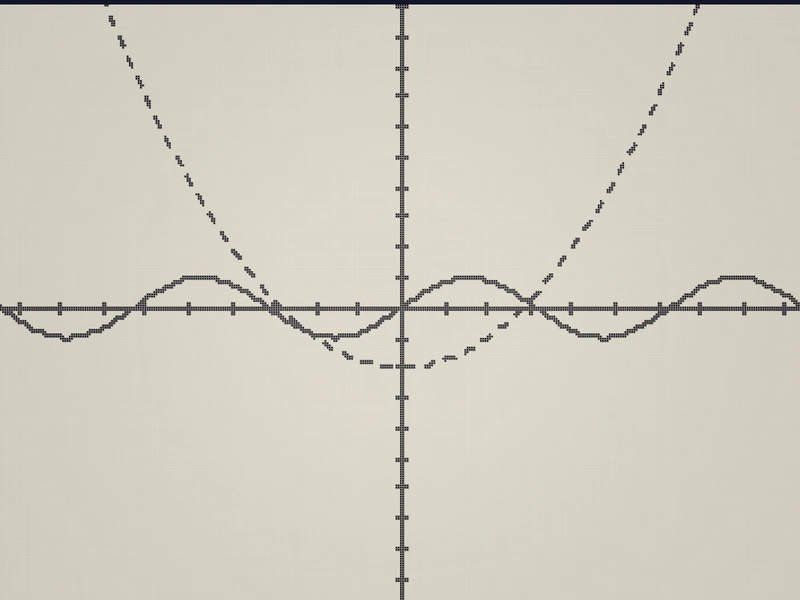
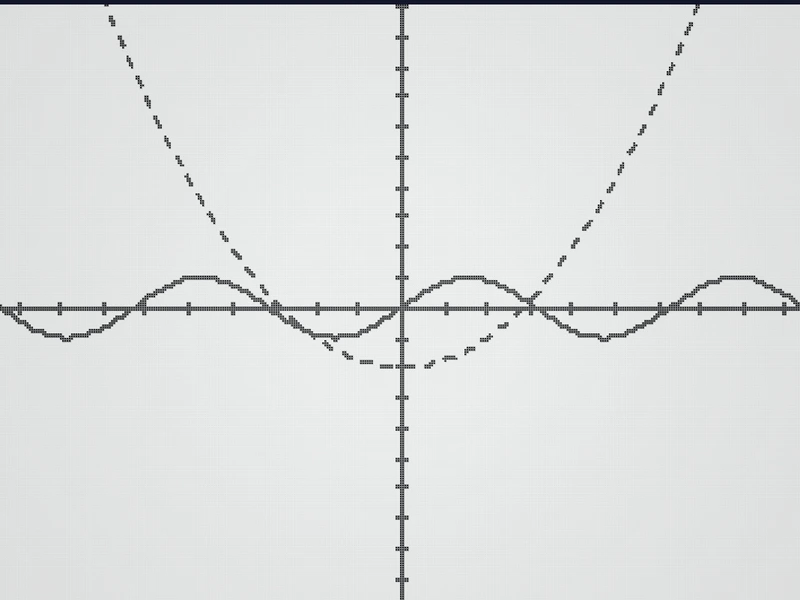
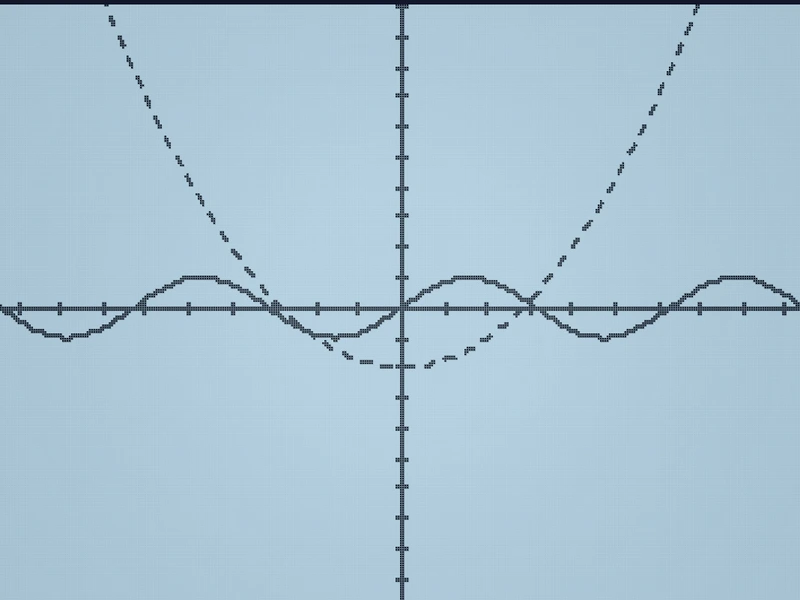
In the color looks, graph lines, the cursor and the selected cell are in color.
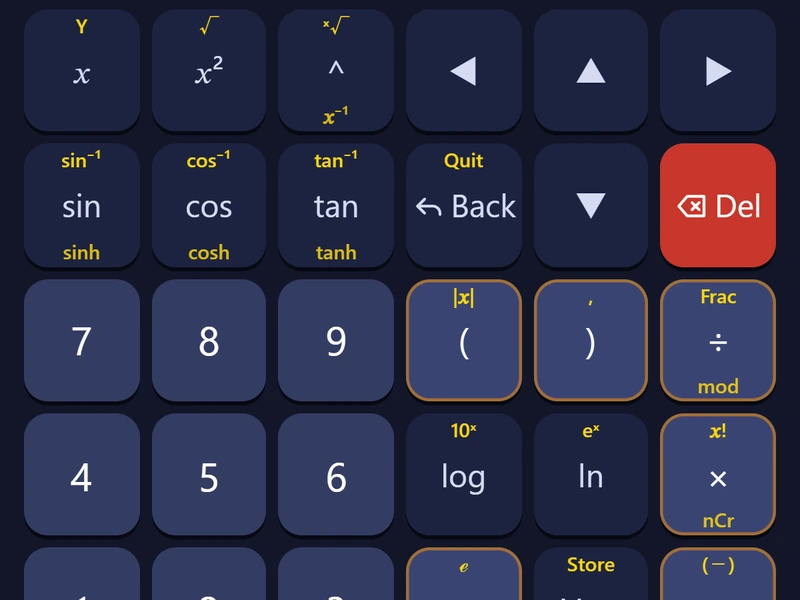
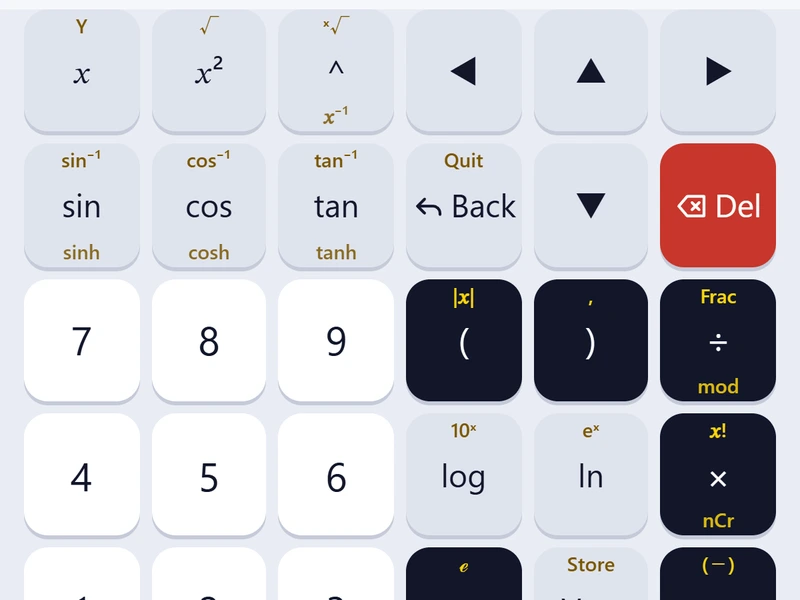
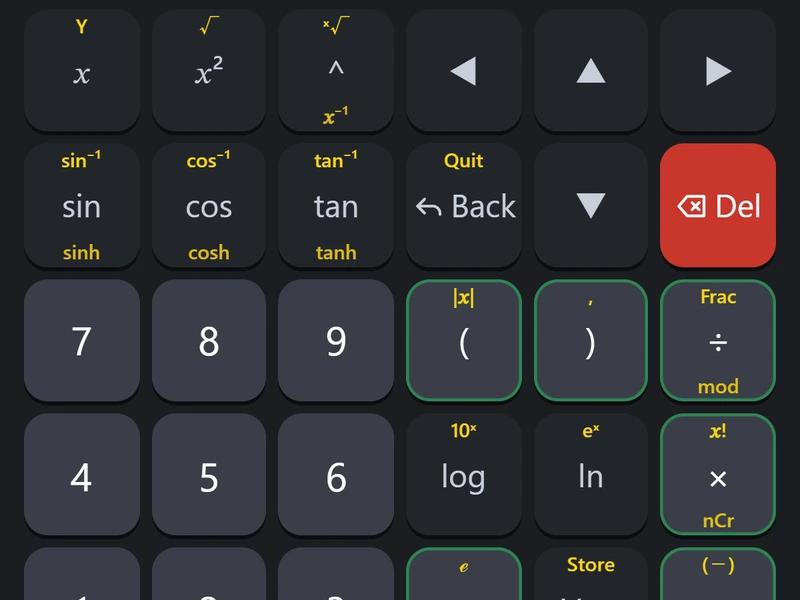
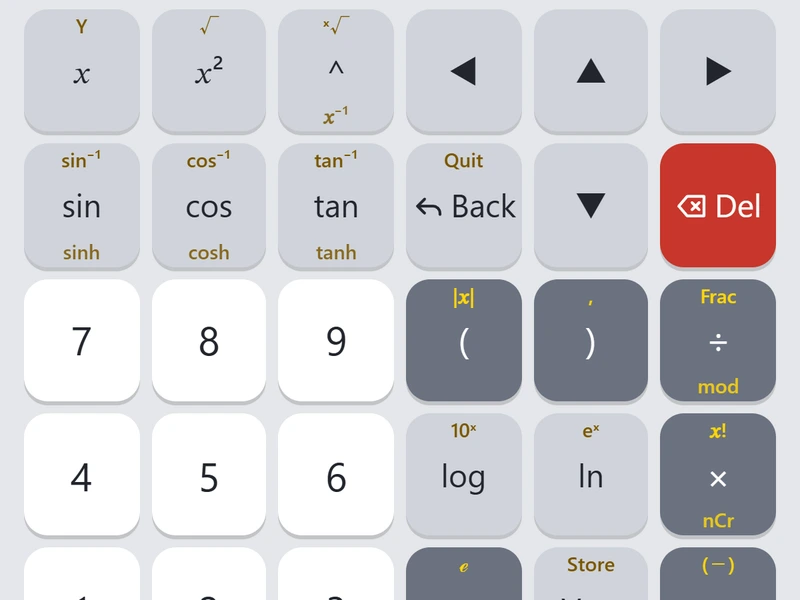
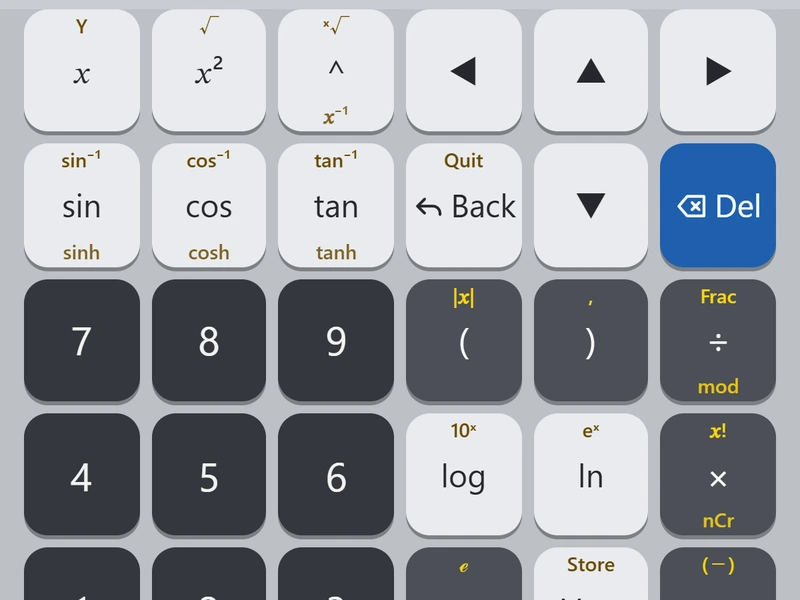
Changes the keypad and, in the high-resolution display, the screen colors.
Everyday calculations, function graphs and basic statistics are free. Regression, distributions, tests, matrices and equations are all there too.
Fractions are stacked, √ uses a radical sign, and exponents sit at the upper right. Switch answers between decimals and fractions.
Open a menu and press a number to choose. Flick a key (keep your finger on it and slide up or down) for inverse and related functions. In the app, keys give a tactile click.
All calculations run on your device, and no sign-up is needed. The browser version sends information such as the pages you view (our privacy policy, section 5-1). It does not send your calculations or handwritten strokes. The apps do not use any analytics (the free versions of the apps go online to show ads).
Everyday calculations, graphs and basic statistics are free. For more, a one-time Pro purchase ($4.99) unlocks every feature and removes ads.
| Free | Pro | |
|---|---|---|
| Calculations, fractions, complex numbers, variables, equations | All | All |
| Function graphs | Up to 3 equations | 10 equations, parametric and polar |
| Statistics | 1- and 2-variable stats, linear regression, scatter plots and histograms | 11 regressions, 6 stat plots, residuals |
| Distributions and tests | Normal and binomial | All distributions, tests and confidence intervals |
| Matrices | 3 matrices, up to 3×3 | 10 matrices, up to 99×99 |
| Fit a drawn curve | Linear and quadratic | All forms, points to lists |
| Handwriting input | Yes (single lines and simultaneous equations) | Yes |
| Export to Excel | No | Yes (history, graphs and lists in one file) |
| Two displays, 5 colors, haptics (app only), Japanese/English, copy and paste, hidden mini-games | Yes | Yes |
| Ads | App: banner at the top of the screen (no ads in the browser version for now) | None |
Pro is available in the app only. The browser version has the free features only. No full-screen ads.
How to use the keys, handwriting input, graphs, statistics, matrices and equations, a list of all 77 functions, and what the error messages mean, on a separate page.
Two mini-games are hidden inside the calculator. How to find them is a secret. If you really cannot find them, press "How to find them" below.
A shooter where you blast enemies shaped like numbers and symbols (∑, π and more). Your ship fires automatically, and you move it with the arrow keys.
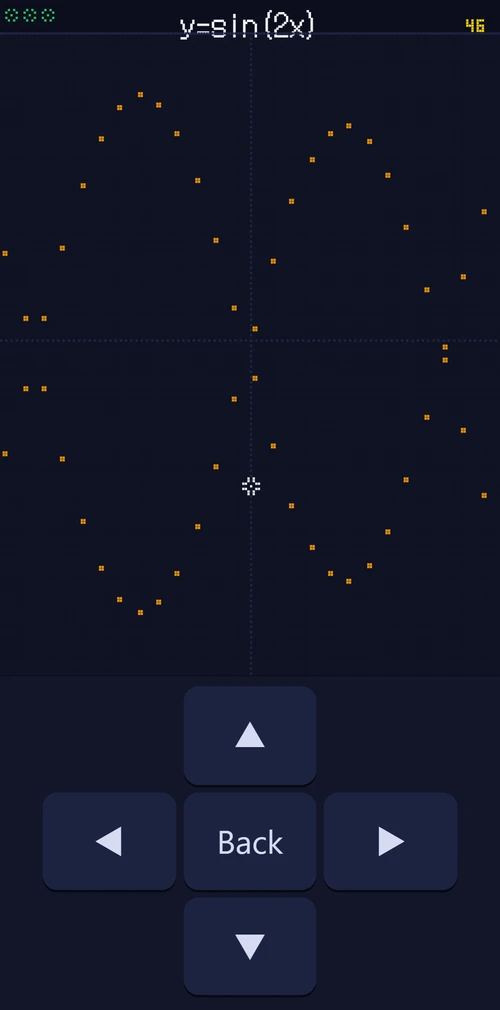
Dodge bullets lined up in the shape of function graphs. The equations keep changing and get faster and denser.
Arrow keys only. The games are drawn in color in the high-resolution display and in black and white in the digital display. No ads are shown while you play, and you can turn the games off in Settings.
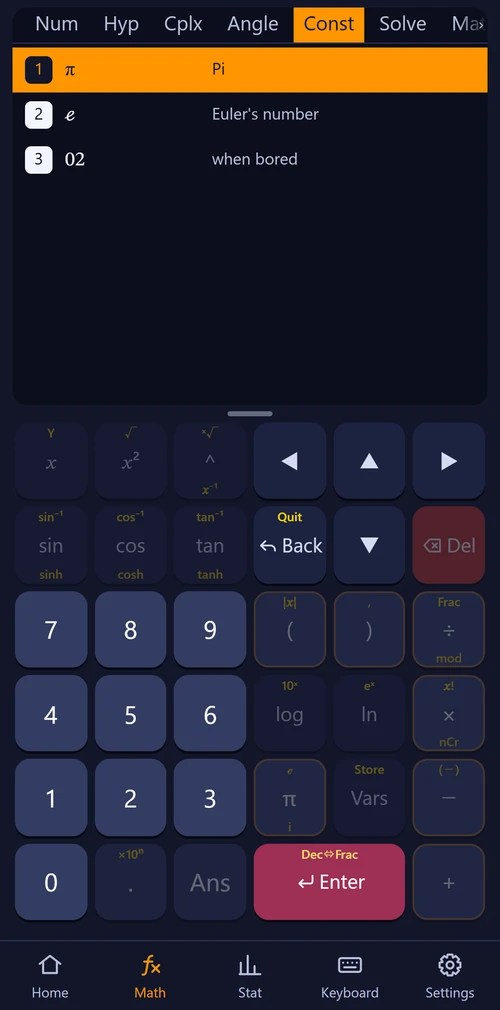
Turning off Settings › Other › Mini game hides the "02" item.
Screens may differ in small details depending on the app version.