Hypha Player is now available for Windows and Mac
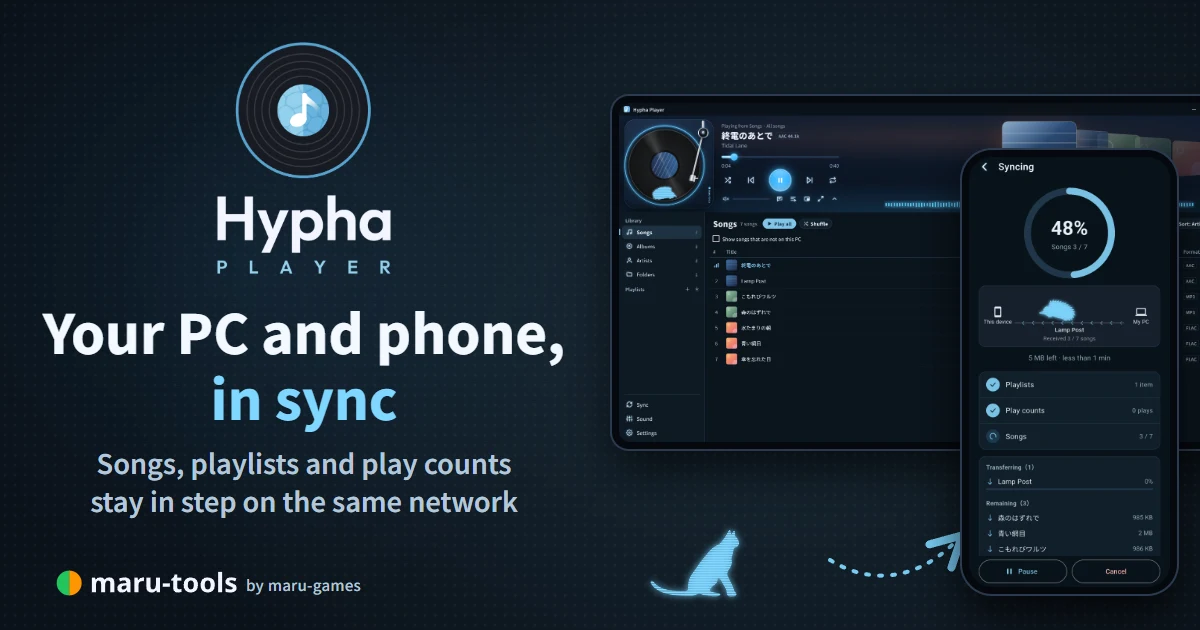
The PC version of Hypha Player, a music player from maru-tools, is now available. The Windows version has been on the Microsoft Store since November 25, 2026. For the Mac, download the .dmg from the product page. Both are free.
Hypha Player keeps songs, playlists and play counts in step by letting your devices talk to each other directly. Album art turns into a spinning record.
What the PC version does
- A spinning record: A record with the album art as its label spins on the turntable. Choose from four turntables, in dark or light
- Light and button colors, and running animals: Change the color of the glowing ring and the buttons. Pick one of eight animals, such as a cat, a Shiba or a hamster, and it runs along with the music. Both are free on the PC
- While you use other apps: Listen with the mini record window. On Windows it stays in the notification area, and on Mac in the menu bar
- Sync between PCs: Keep songs, playlists and play counts in step between two PCs on the same Wi-Fi. Pair with a QR code or an invite link. No server, no account, and no purchase needed
- Library: Browse by song, album, artist or folder. Folders appear as a tree, just as you keep them
- Japanese and English
Every feature is free, with no ads.
Requirements and how to install
- Windows: Windows 10 (2004 or later) and Windows 11. On the Hypha Player page in the Microsoft Store, click Install
- Mac: macOS 12 or later (Apple silicon and Intel). Download the .dmg (about 44 MB, version 0.8.8) from the product page, open it, and drag Hypha Player into the Applications folder. It is notarized by Apple
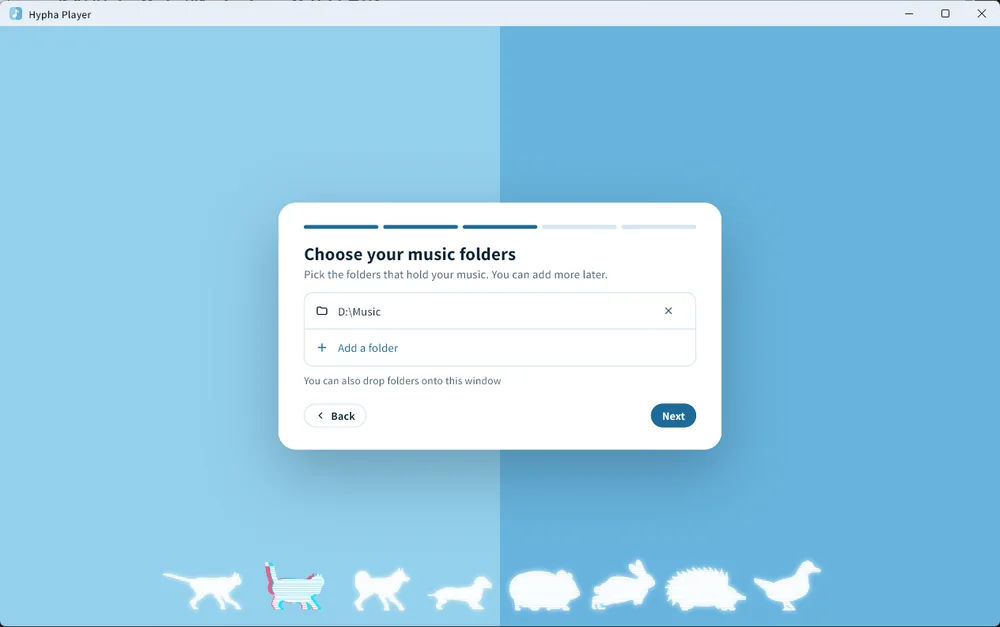
Once installed, start by choosing your music folder.
Download and more
- Windows: Hypha Player on the Microsoft Store
- Mac: “Devices and how to get it” on the product page
- About the app: Hypha Player page
- How to use it: User guide
If you notice anything, please let us know through Contact.