MT-02 Graphing Calculator is now on the App Store and Google Play
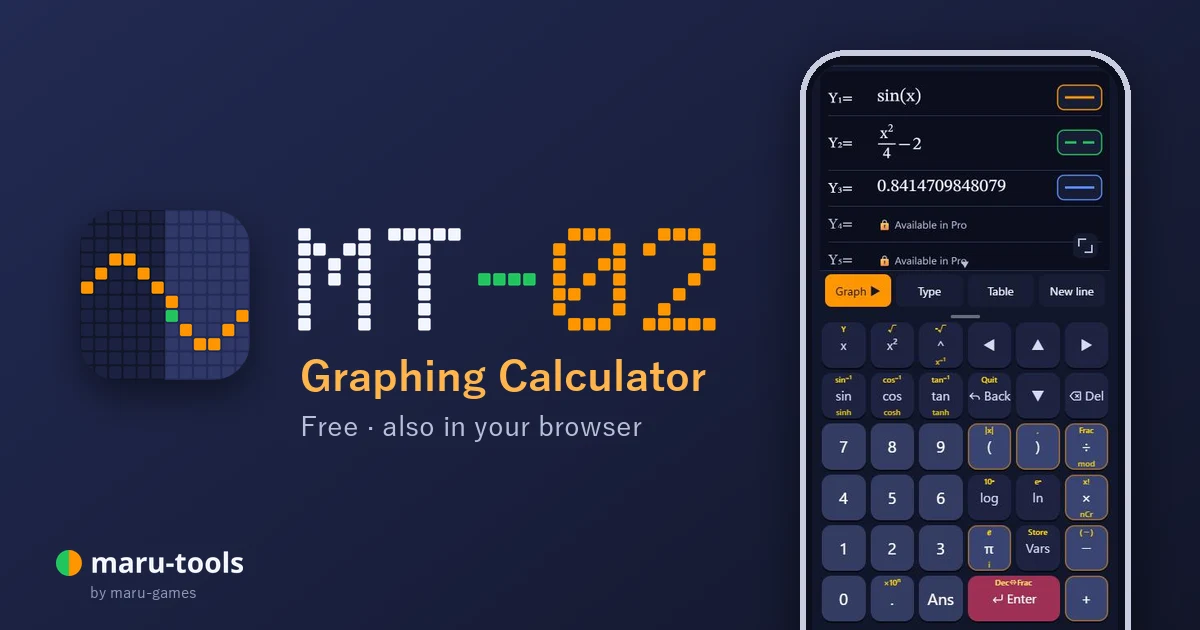
MT-02 Graphing Calculator, an app from maru-tools, is now available. Since November 26, 2026, the iPhone version has been on the App Store and the Android version on Google Play. The core features are free.
MT-02 is a scientific calculator, graphing calculator and statistics tool in one app. Thank you to everyone who joined the closed test we started on November 6.
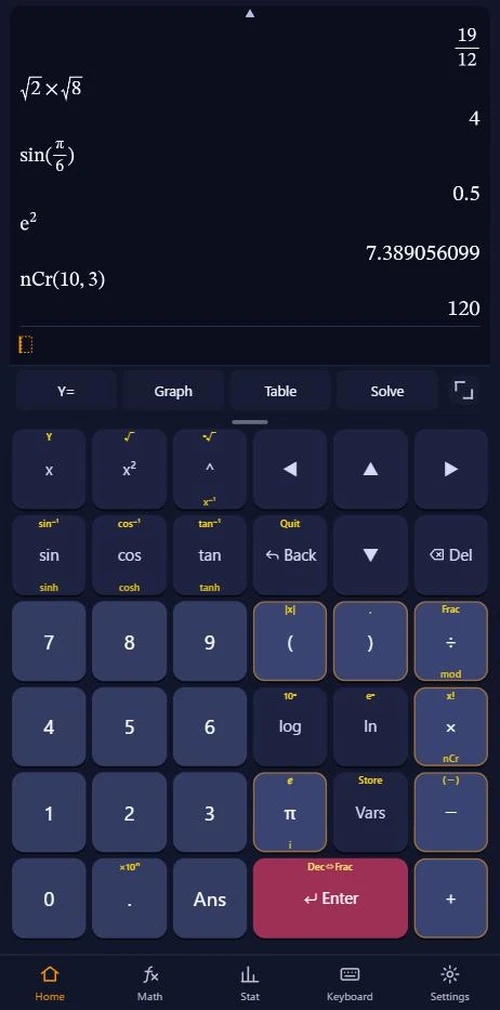
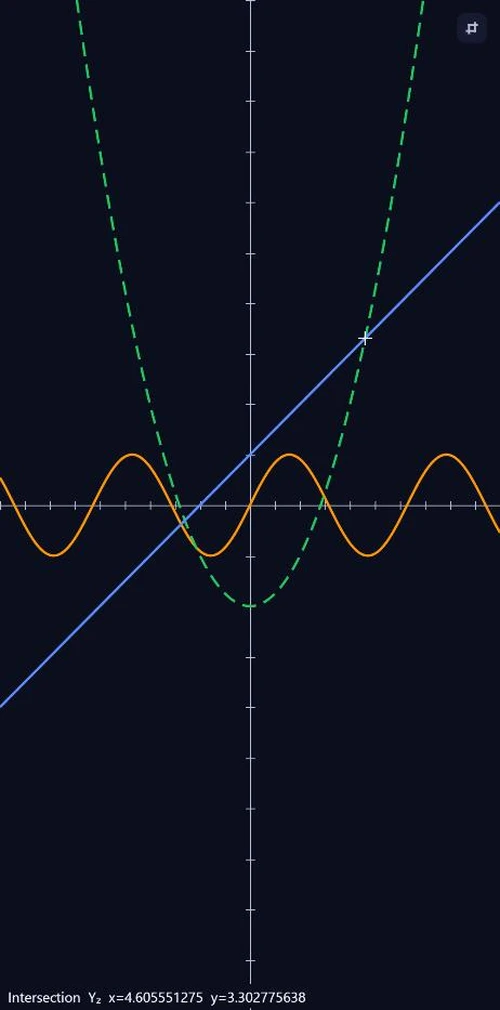
Screens may differ in small details depending on the app version.
What it does
- Scientific, graphing and statistics in one: Everyday calculations, function graphs and basic statistics are free. Regression, distributions, tests, matrices and equations are all there too
- Math as in your textbook: Fractions are stacked, √ uses a radical sign, and exponents sit at the upper right. Switch answers between decimals and fractions
- Fit a drawn curve: Draw a line or tap points on a graph, and the app suggests equations that come close (an estimate, since it is hand-drawn). The free version finds linear and quadratic equations; Pro also finds exponential, logarithmic, sine and other forms
- Fast keys and flicks: Open a menu and press a number to choose. Flick a key (keep your finger on it and slide up or down) for inverse and related functions. In the app, keys give a tactile click
- Choose your display and colors: 2 display styles, High resolution and Digital, with 5 colors for the digital display and 5 key colors
- Offline, no account: All calculations run on your device, and no sign-up is needed (the free versions of the apps go online to show ads)
- Hidden mini-games: Two mini-games are hidden inside the calculator
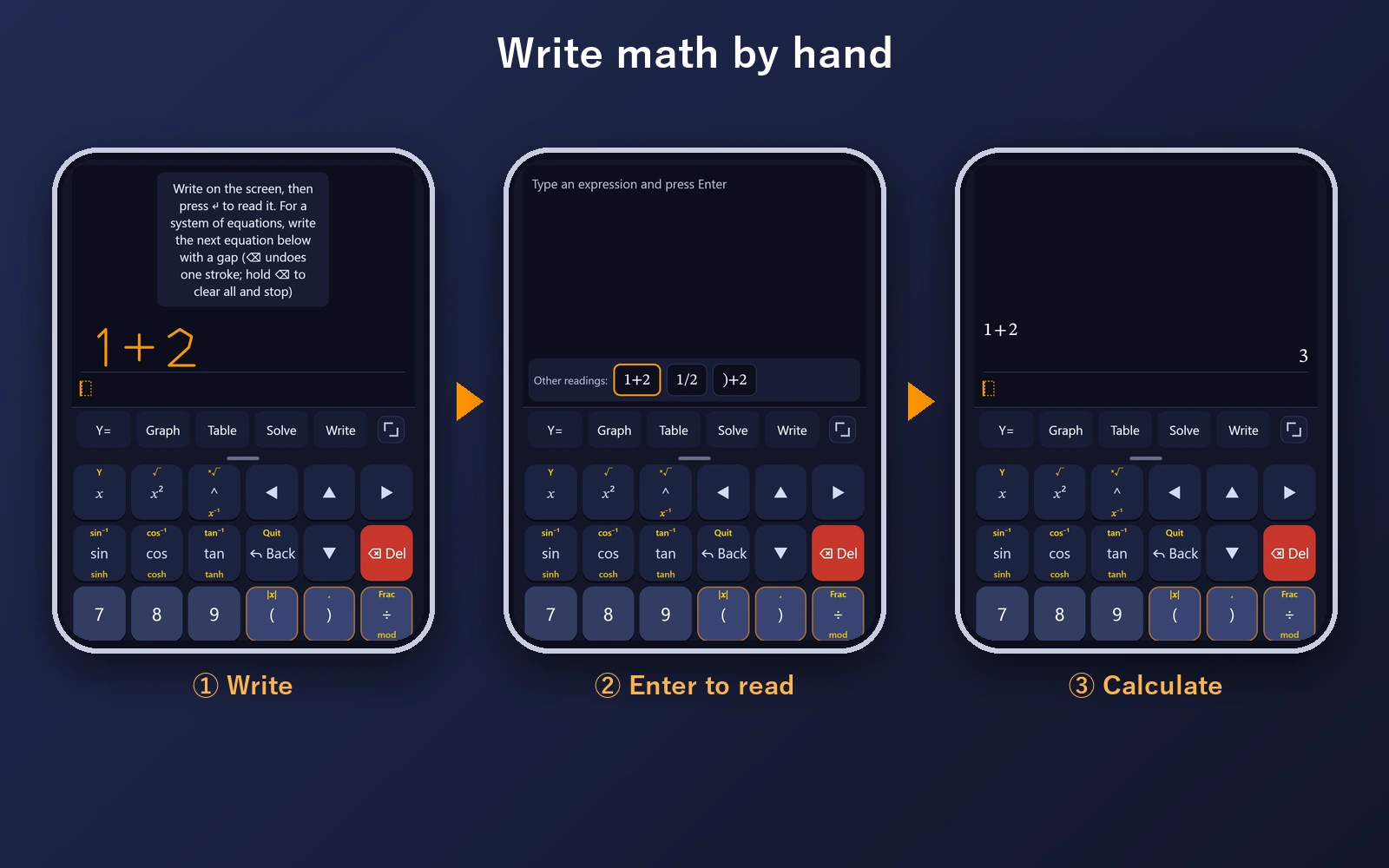
The apps and the browser version also have handwriting input, which reads an expression you write on the display with your finger.
Free and Pro
Everyday calculations, graphs and basic statistics are free. A one-time Pro purchase ($4.99) unlocks every feature and removes ads. Pro features include 10 graph equations, parametric and polar graphs, 11 types of regression and export to Excel. See the “Free and Pro” table on the product page for the full comparison.
Requirements
- iPhone: iOS 15.0 or later
- Android: Android 7.0 or later
The browser version still offers the free features, as before.
Download and more
- App Store: MT-02 Graphing Calculator
- Google Play: MT-02 Graphing Calculator
- About the app: MT-02 Graphing Calculator page
- Manual: MT-02 manual
- Browser version: mt-02.maru-games.com
If you notice anything, please let us know through Contact.