October 23 Update: Menus and Tutorial
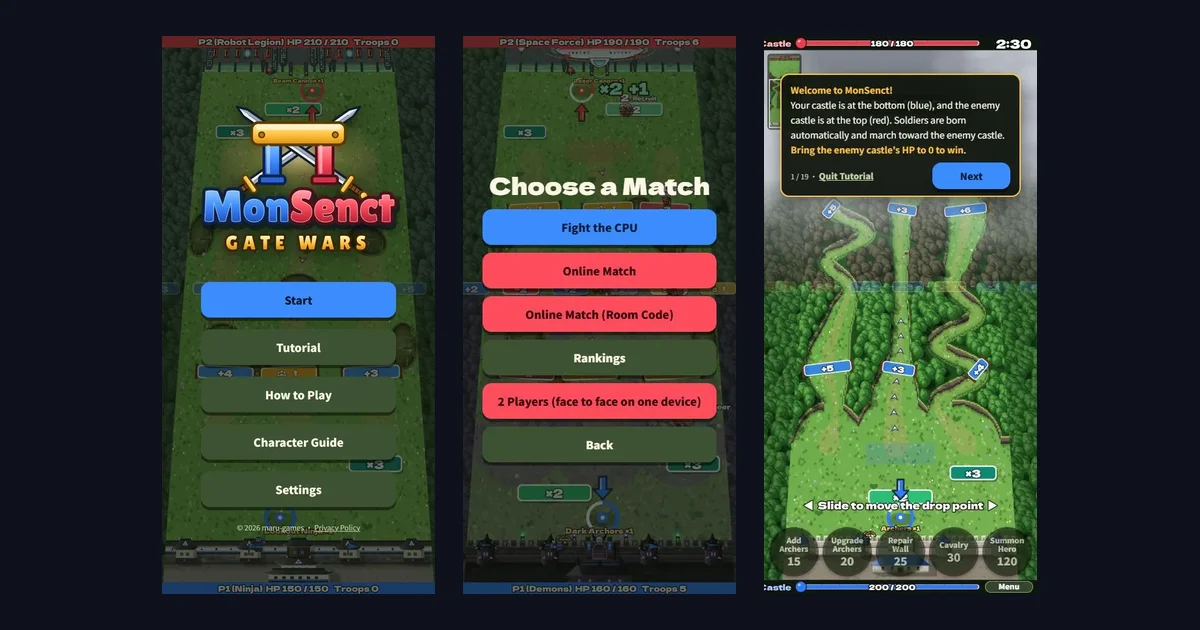
On October 23, 2026, we updated MonSenct. On the same day, we also settled on the game’s name, “MonSenct: Gate Wars” (see the post about the name). This post goes through everything else we changed, one item at a time.
Rearranged title screen buttons
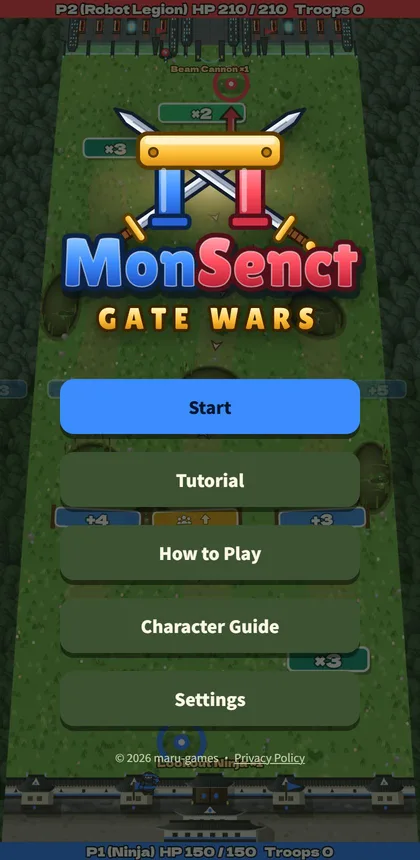
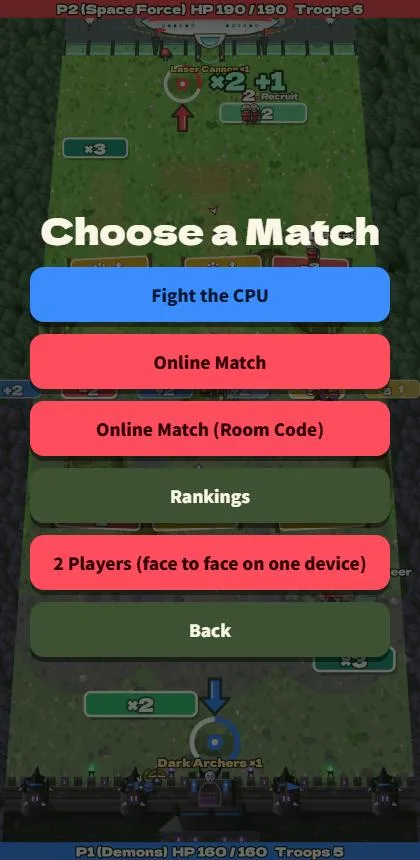
Until now, on phones some buttons were hidden until you scrolled down. So we split the buttons across two screens.
- Title screen: Now just five buttons: “Start”, “Tutorial”, “How to Play”, “Character Guide” and “Settings”
- Start → choose your race → Choose a Match: After picking a race, you choose from “Fight the CPU”, “Online Match”, “Online Match (Room Code)”, “Rankings” and “2 Players (face to face on one device)”
On both screens, you can reach every button on a phone without scrolling. “How to Play” now opens on its own screen.
A rebuilt tutorial
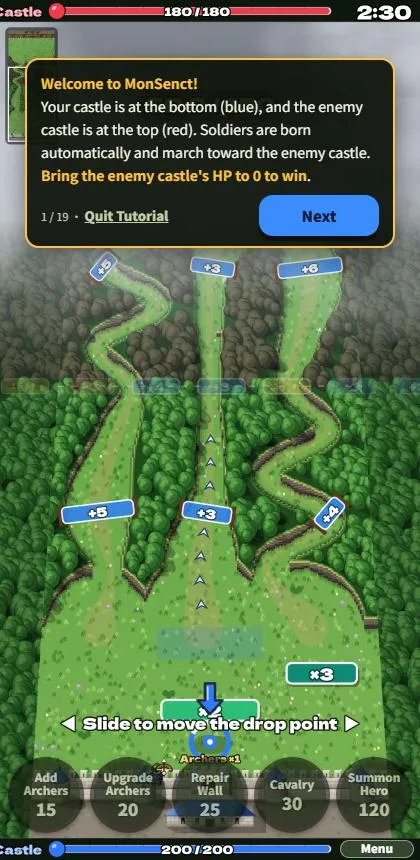 The tutorial now has 19 steps
We reworked the tutorial so new players can go through the tricky parts one by one. It grew from 15 steps to 19.
- Waiting for the hero: There was a bug where the hero explanation moved on before the hero appeared on screen. The explanation now starts once the hero is out
- The gauge and the aura: The tutorial now fills the gauge halfway so you can see the aura for yourself before moving on
- One upgrade button at a time: Each upgrade button at the bottom of the screen now gets its own step. We also added an explanation of archers
More in English
- The tutorial is now in English, so English players can go through it from start to finish in English
- We added an English version of the privacy policy (now part of the maru-games.com privacy policy)
Phone controls
While dragging on the screen to move the drop point, you can now press upgrade buttons with another finger. Keep one finger on where your soldiers drop, and upgrade with the other.
Online matches
In online matches, soldiers at the ends or back of a formation sometimes jittered back and forth. We reworked how their positions are corrected, so they now move smoothly.
Rankings
Your own row now stands out in the ranking table. We also stopped showing the number that used to follow player names.
Other changes
- Unlock conditions for achievement races are now secret. In the app version, the conditions for races you unlock through achievements are no longer revealed in the game
- Notice for outdated apps: If you try to join an online match with an outdated version of the app, you are now asked to update. Everything that isn’t online, such as matches against the CPU, still works as before
- In private rooms for playing with friends, the host can now choose the match length (2:30 or unlimited). See the post about private rooms for details
All of these changes are live now in MonSenct.